
Creating Games Overview
DailyPlay makes game creation simple with a template-based approach. You don’t need any coding knowledge — just select a template, customize it with your brand assets, and publish.
The Creation Process
Section titled “The Creation Process”1. Select a Template
Section titled “1. Select a Template”Browse our library of 60+ game templates. Each template is a fully functional game that you can customize with your own branding and assets.
2. Customize
Section titled “2. Customize”Use the game editor to:
- Edit the game title and the game description
- Upload or generate game assets
- Configure game settings (difficulty, duration, etc.)
- Set up prizes for lucky-draw games
- Configure post-game actions (email capture, CTAs)
Creating a Casual Game
Section titled “Creating a Casual Game”Pick a template, set your title and description, upload your assets — and you’re ready to go.
Creating a Prize Game
Section titled “Creating a Prize Game”For lucky-draw games, you’ll also configure prizes, win probabilities, and claim settings.
3. Preview & Test
Section titled “3. Preview & Test”Test your game in the preview mode before publishing. Play through the entire experience to ensure everything works as expected.
4. Publish
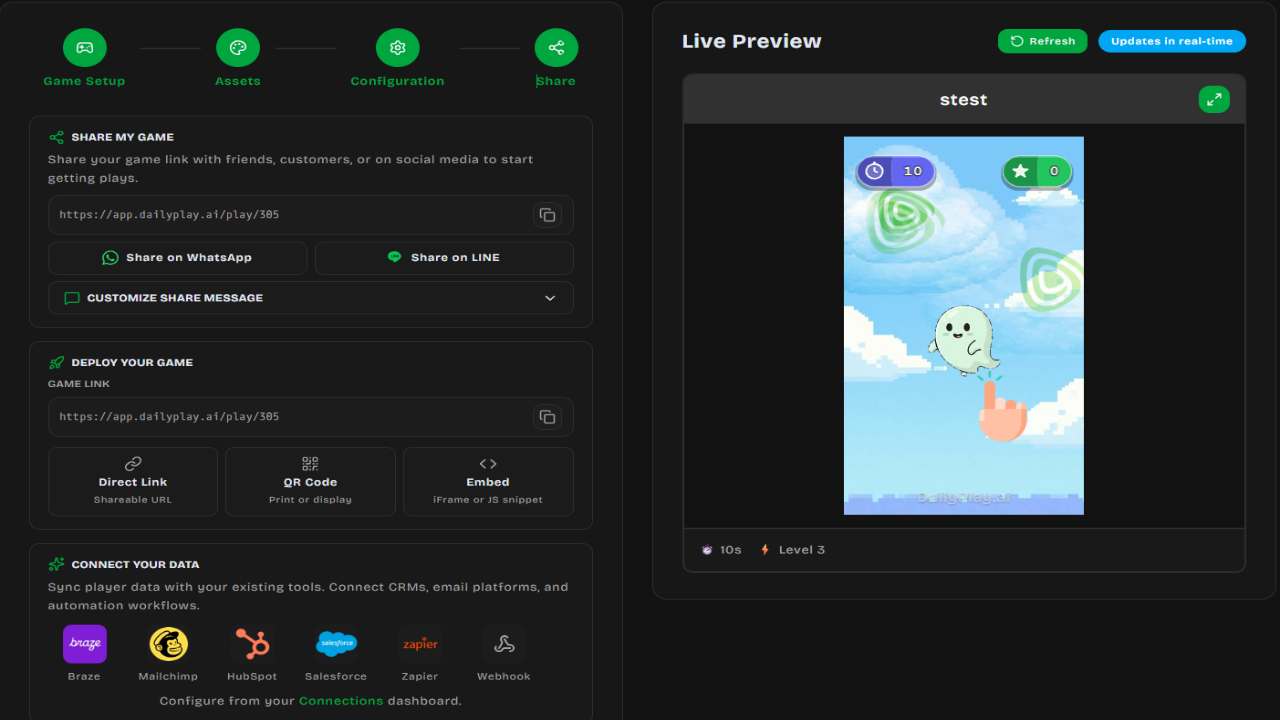
Section titled “4. Publish”Publish your game to get a shareable link. You can also embed games directly on your website.
Game Types
Section titled “Game Types”DailyPlay games fall into several categories:
Skill Games
Section titled “Skill Games”Games where the player’s score depends on their actions:
- Basketball Hoop — Shoot hoops with drag-and-release controls
- Fruit Slice — Swipe to slice flying fruits
- Match-3 — Connect matching tiles to clear the board
- Space Shooter — Destroy enemies and collect power-ups
Lucky Draw Games
Section titled “Lucky Draw Games”Games of chance where prizes are randomly awarded:
- Spin the Wheel — Classic prize wheel
- Gachapon — Capsule machine experience
- Grid Box — Tap to reveal prizes
Casual Games
Section titled “Casual Games”Simple, engaging games for all audiences:
- Memory Cards — Match pairs of cards
- Catcher — Catch falling items
- Tap Flyer — Tap to keep flying
Creation Methods
Section titled “Creation Methods”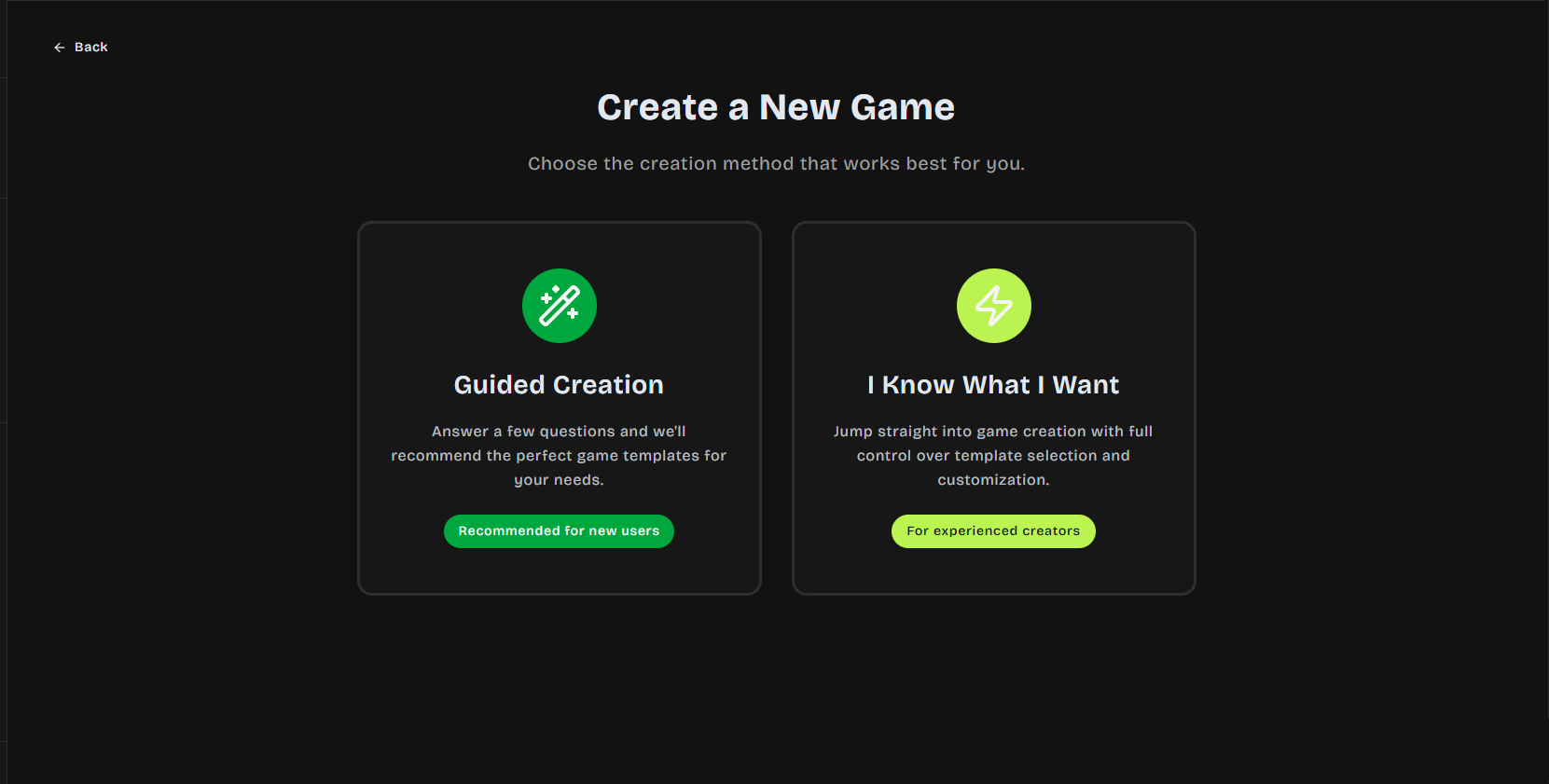
Guided Creation
Section titled “Guided Creation”The default creation flow walks you through each step:
- Choose template
- Set basic info
- Customize assets
- Configure settings
- Preview and publish
Quick Create
Section titled “Quick Create”For experienced users, jump directly to the full editor with all options available at once.
Tips for Success
Section titled “Tips for Success”Next Steps
Section titled “Next Steps”- Explore available Game Templates
- Learn about Customization Options
- Understand the Publishing Process