# Creating Games Overview
DailyPlay makes game creation simple with a template-based approach. You don't need any coding
knowledge — just select a template, customize it with your brand assets, and publish.
## The Creation Process
### 1. Select a Template
Browse our library of 60+ game templates. Each template is a fully functional game that you can
customize with your own branding and assets.
### 2. Customize
Use the game editor to:
- Edit the game title and the game description
- Upload or generate game assets
- Configure game settings (difficulty, duration, etc.)
- Set up prizes for lucky-draw games
- Configure post-game actions (email capture, CTAs)
#### Creating a Casual Game
Pick a template, set your title and description, upload your assets — and you're ready to go.
#### Creating a Prize Game
For lucky-draw games, you'll also configure prizes, win probabilities, and claim settings.
### 3. Preview & Test
Test your game in the preview mode before publishing. Play through the entire experience to ensure
everything works as expected.
### 4. Publish
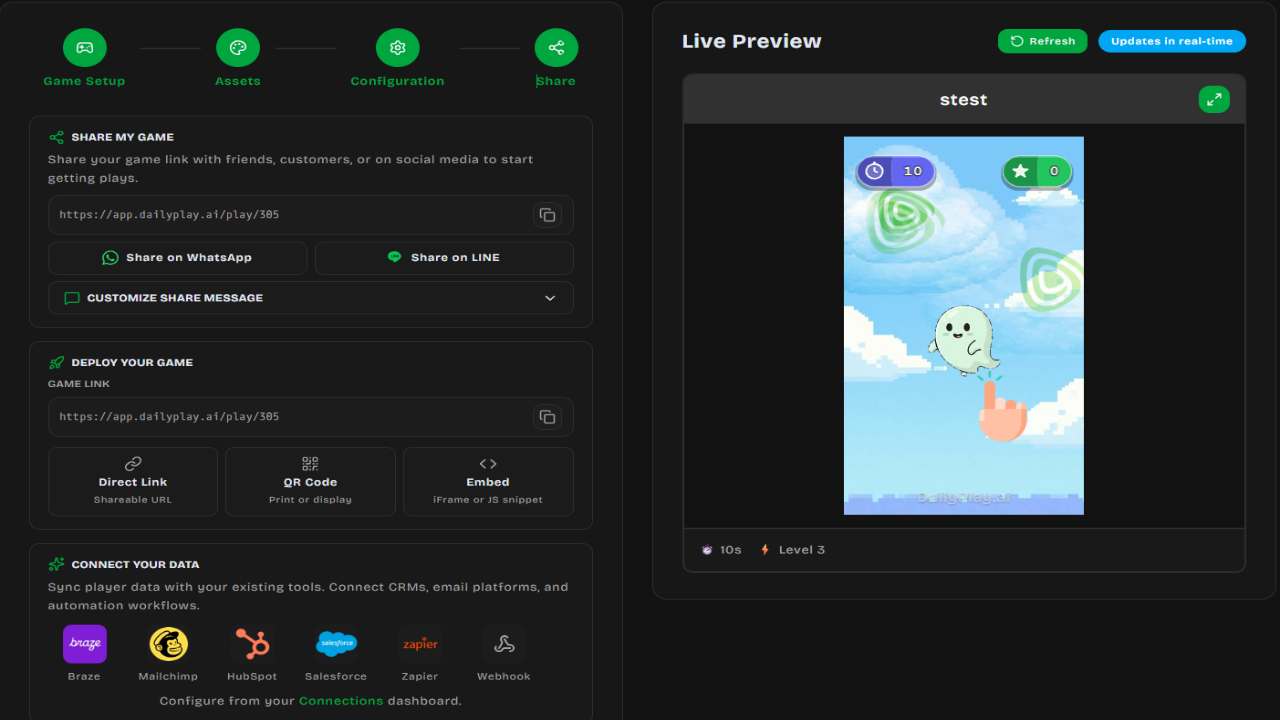
Publish your game to get a shareable link. You can also embed games directly on your website.
## Game Types
DailyPlay games fall into several categories:
### Skill Games
Games where the player's score depends on their actions:
- **Basketball Hoop** — Shoot hoops with drag-and-release controls
- **Fruit Slice** — Swipe to slice flying fruits
- **Match-3** — Connect matching tiles to clear the board
- **Space Shooter** — Destroy enemies and collect power-ups
### Lucky Draw Games
Games of chance where prizes are randomly awarded:
- **Spin the Wheel** — Classic prize wheel
- **Gachapon** — Capsule machine experience
- **Grid Box** — Tap to reveal prizes
### Casual Games
Simple, engaging games for all audiences:
- **Memory Cards** — Match pairs of cards
- **Catcher** — Catch falling items
- **Tap Flyer** — Tap to keep flying
## Creation Methods
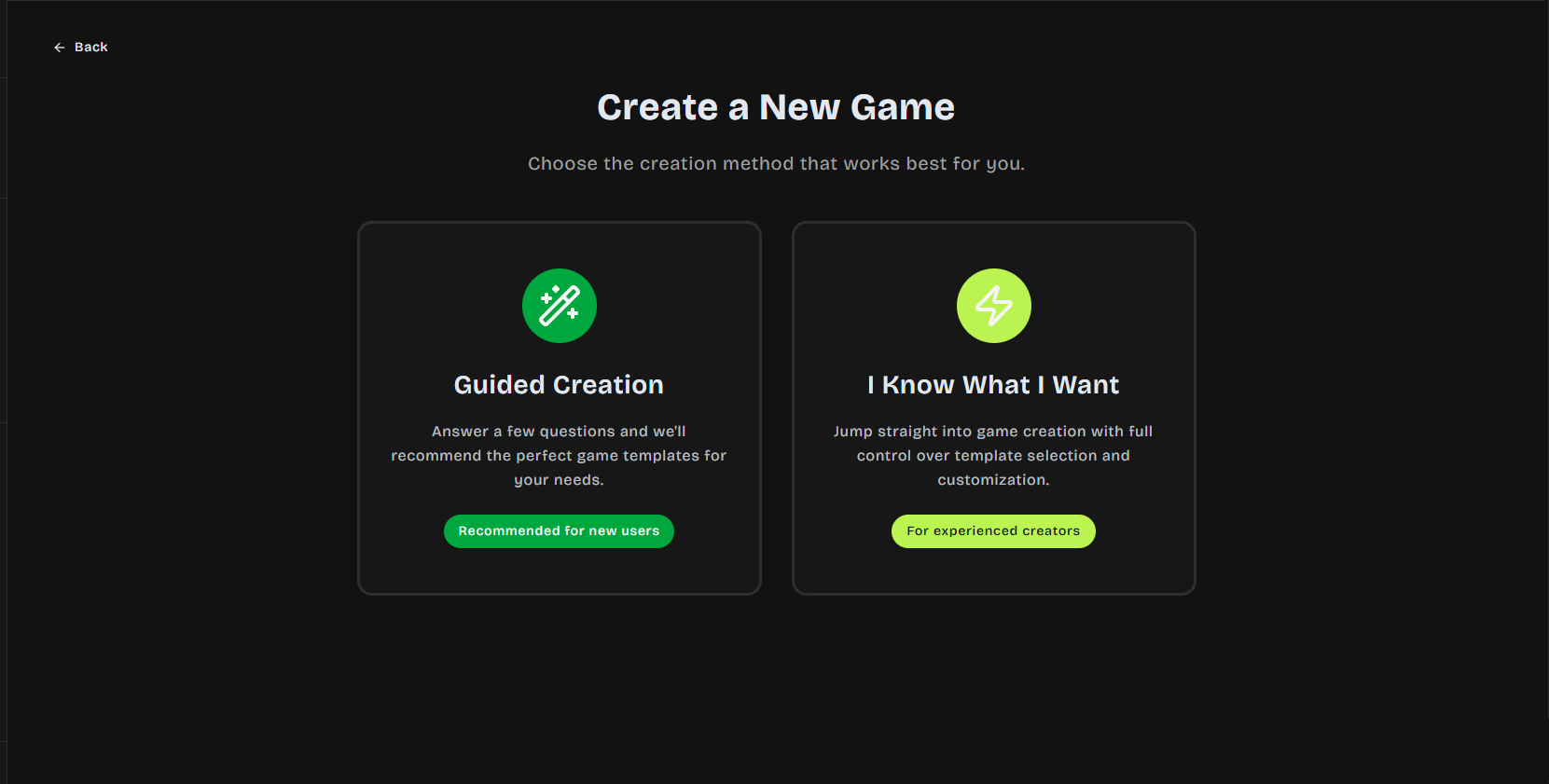
### Guided Creation
The default creation flow walks you through each step:
1. Choose template
2. Set basic info
3. Customize assets
4. Configure settings
5. Preview and publish
### Quick Create
For experienced users, jump directly to the full editor with all options available at once.
## Tips for Success
:::tip[Brand Consistency]
Use consistent colors, fonts, and imagery that match your brand guidelines.
:::
:::tip[Mobile Testing]
Always test your games on mobile devices — most players will be on phones.
:::
:::tip[Clear Instructions]
Make sure game instructions are clear. Players should understand how to play within seconds.
:::
## Next Steps
- Explore available [Game Templates](/creating-games/templates)
- Learn about [Customization Options](/creating-games/customization)
- Understand the [Publishing Process](/creating-games/publishing)