# Publishing Your Game
Once you've customized your game, it's time to publish and share it with the world.
## Publishing Options
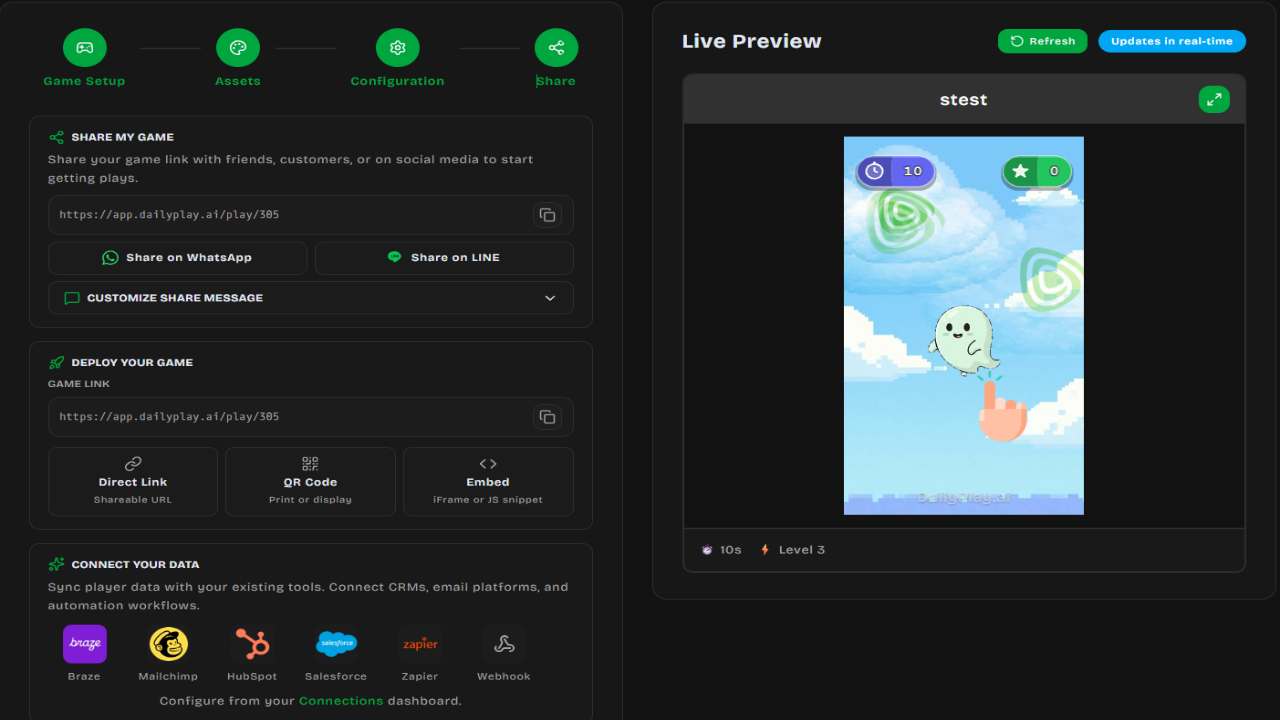
### Save as Draft
Not ready to publish yet? Save your work as a draft:
- Click **Save as Draft**
- Access drafts from **Manage Games**
- Continue editing anytime
### Create Game (Publish)
Ready to go live:
1. Click **Create Game**
2. Your game is created and becomes playable
3. You'll be shown sharing options with your game link
---
## Game States
Games can be in one of these states:
| Status | Description |
| ------------- | ----------------------------------------- |
| **Draft** | Work in progress, not publicly playable |
| **Published** | Live and playable via link |
| **Archived** | Hidden from public, preserved for records |
You can change a game's status from the **Edit Game** page:
| Current Status | Available Actions |
| -------------- | ----------------- |
| Draft | **Publish Game** or **Archive** |
| Published | **Unpublish** (back to Draft) or **Archive** |
| Archived | **Restore to Draft** |
---
## Managing Your Games
Access your games from the **Manage Games** page (via the sidebar menu):
### View All Games
See all games you've created with:
- Thumbnail
- Status badge (Draft / Published / Archived)
- Play count
- Title and description
- Search, sort by title, creation date, or play count
### Game Actions
Each game card has four action buttons:
| Action | Description |
| ------ | ----------- |
| **View** | Opens the game in a new tab |
| **Edit** | Opens the game editor to update assets, settings, and prizes |
| **Share** | Opens the share modal with link, QR code, and embed options |
| **Delete** | Permanently deletes the game (cannot be undone) |
### Edit a Game
Click **Edit** to:
- Update visual assets
- Change game configuration
- Modify prize configurations
- Update post-game CTAs
- Change game status (publish, unpublish, archive)
:::note[Live Changes]
Changes to published games take effect immediately. Players will see the
updated version.
:::
### Delete a Game
To permanently delete a game:
1. Click the **Delete** button
2. Confirm the deletion in the dialog
:::caution[Warning]
Deletion is permanent and cannot be undone. All play data and analytics will be
lost.
:::
---
## Sharing Your Game
After publishing, a sharing screen appears with multiple ways to distribute your game:
### Direct Link
Every game gets a unique URL that you can copy and share anywhere.
### QR Code
Generate and download a QR code for physical marketing:
- Click **Generate QR Code**
- Download as PNG
- Use in print materials, posters, or displays
### Embed on Your Website
Two embedding options:
- **Simple iframe** — Copy the `